Length of Stay Tiers
Price longer stays differently — weekly rates, multi-night discounts, and fixed stay totals
Length of Stay Tiers
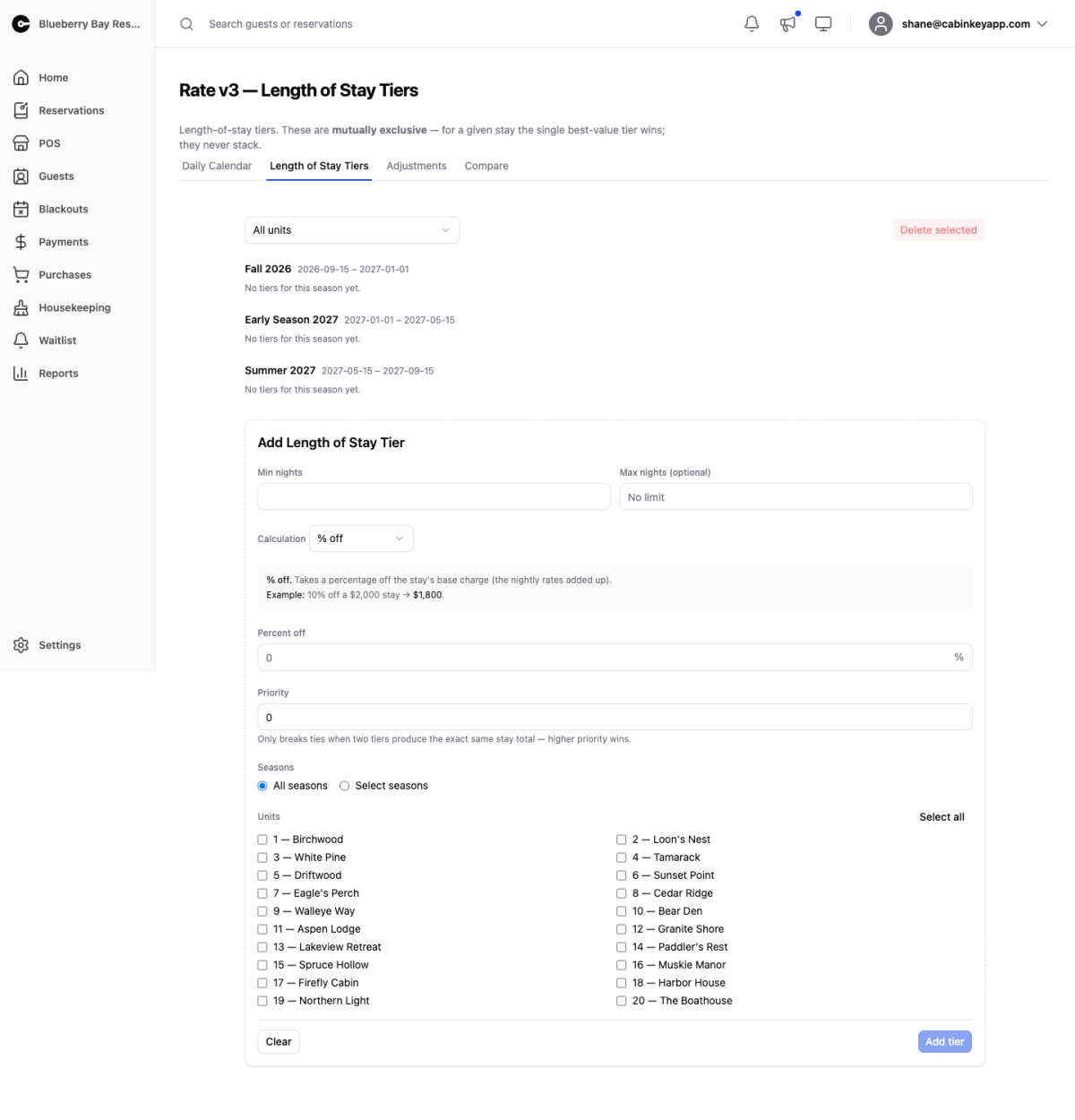 Click to enlarge
A length of stay (LOS) tier changes the price of a stay based on how many nights it is. This is how you offer a weekly rate, a discount for staying five nights or more, or a flat price for a full-week cabin rental.
Tiers apply to the stay’s base charge — the nightly rates from the daily calendar added together. They run before the adjustments that add fees and demand pricing.
Tiers are mutually exclusive. For any given stay, the single best-value tier wins and the others are ignored. They never stack, so you cannot accidentally apply a weekly rate and a 10% long-stay discount to the same booking.
Existing Tiers
 Click to enlarge
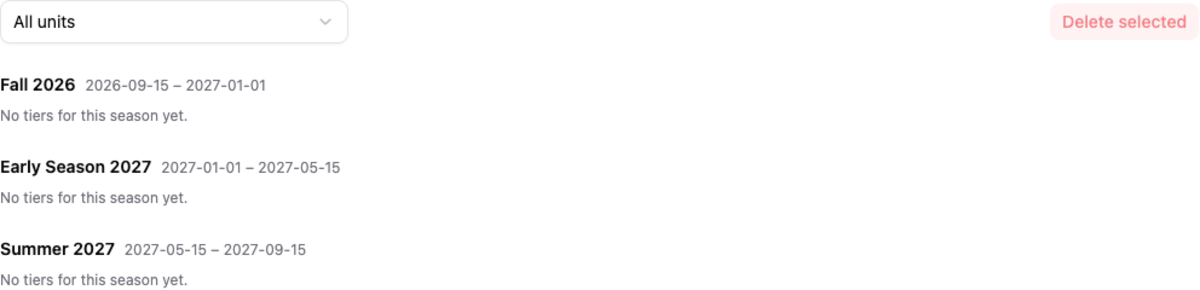
Tiers are grouped by season, with each season’s date range shown beside its name. Within a group there is one row per unit, so you can see exactly which units a tier covers and what it does to each of them.
Each row shows the night range it covers, the calculation it uses, the amounts involved, and its priority. A Missing badge means the tier still references a unit that no longer exists.
The dropdown at the top filters the whole page down to a single unit — useful when you are checking one cabin’s pricing rather than reviewing everything.
Use the checkboxes plus Delete selected to remove rows in bulk. Deleting the last unit from a tier deletes the tier itself. The pencil icon on a row loads that tier into the form below for editing.
Tier Form
 Click to enlarge
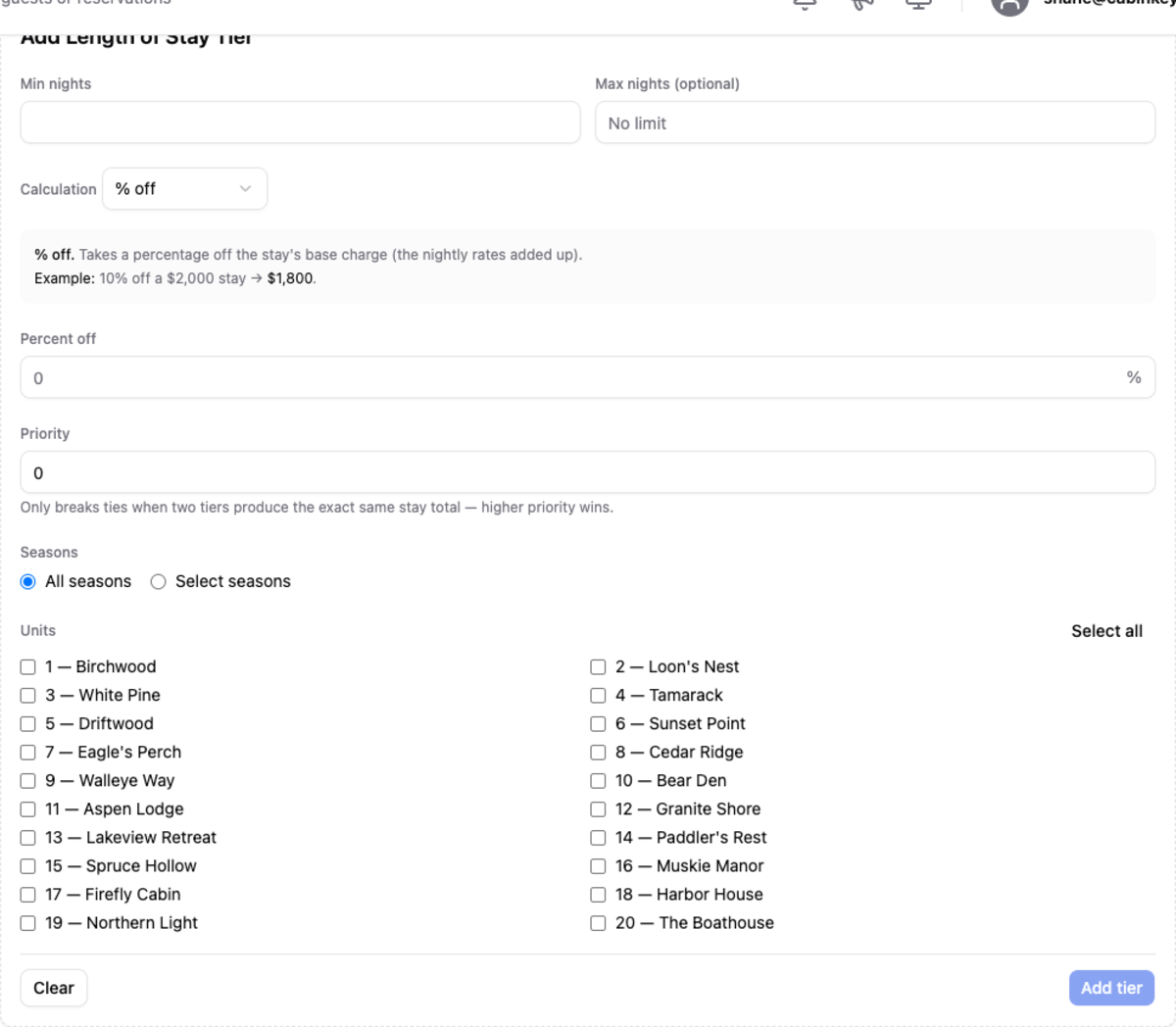
Min nights and Max nights set the range of stay lengths the tier covers. Leave the maximum blank for “no limit” — that is what you want for an open-ended long-stay discount.
Calculation decides what the tier actually does. The form shows a worked example for whichever one you pick:
| Calculation | What it does |
|---|---|
| % off | Takes a percentage off the stay’s base charge. 10% off a $2,000 stay gives $1,800. |
| Amount off | Subtracts a flat dollar amount from the whole stay. $150 off a $2,000 stay gives $1,850. |
| Set stay total | Replaces the whole stay with one fixed price regardless of night count (within the tier’s range). |
| Set avg nightly | Sets a fixed price per night; the total is that price times the number of nights. |
| Weekly block | Charges a flat price per 7-night week, with leftover nights handled by the weekly threshold. |
Weekly block is the one that needs the most thought, because a stay rarely divides evenly into weeks. The weekly threshold decides what happens to the leftover nights: if there are at least that many left over, another full week is charged; otherwise those nights are priced from the daily calendar. For a $1,200/week tier and a 10-night stay, that is one week plus three nights — either $2,400 total (threshold of 3 or less) or $1,200 plus three nights’ calendar rates.
Priority only matters as a tie-breaker. Because the best-value tier wins, priority is consulted only when two tiers produce exactly the same stay total; the higher number wins.
Seasons scopes the tier. Choose All seasons to make it global, or Select seasons to pick specific ones. When you are creating a tier the seasons are checkboxes and picking several creates one tier per season, so a “stay 7 nights, save 15%” offer can be set up across summer and fall in one go. When you are editing an existing tier they become single-choice instead, because editing moves that one tier to the season you pick.
Units scopes the tier to the units it should price, with Select all for the common case of property-wide pricing. A tier must cover at least one unit; removing the last one deletes the tier.